Overview
This guide shows you how to integrate Inhouse analytics into your Chrome extension to track installs, uninstalls, and user engagement without requiring the full SDK. for sdk approach please refer to the sdk docs.Prerequisites
- Inhouse account
- Chrome extension project ready for development
Setup
1. Get Your Inhouse Domain
- Register at app.tryinhouse.co
- You’ll receive a domain like
your-project.inh.sh - Optionally, configure a custom domain
https://your-project.inh.sh/chrome/install?url=route is automatically created for you.
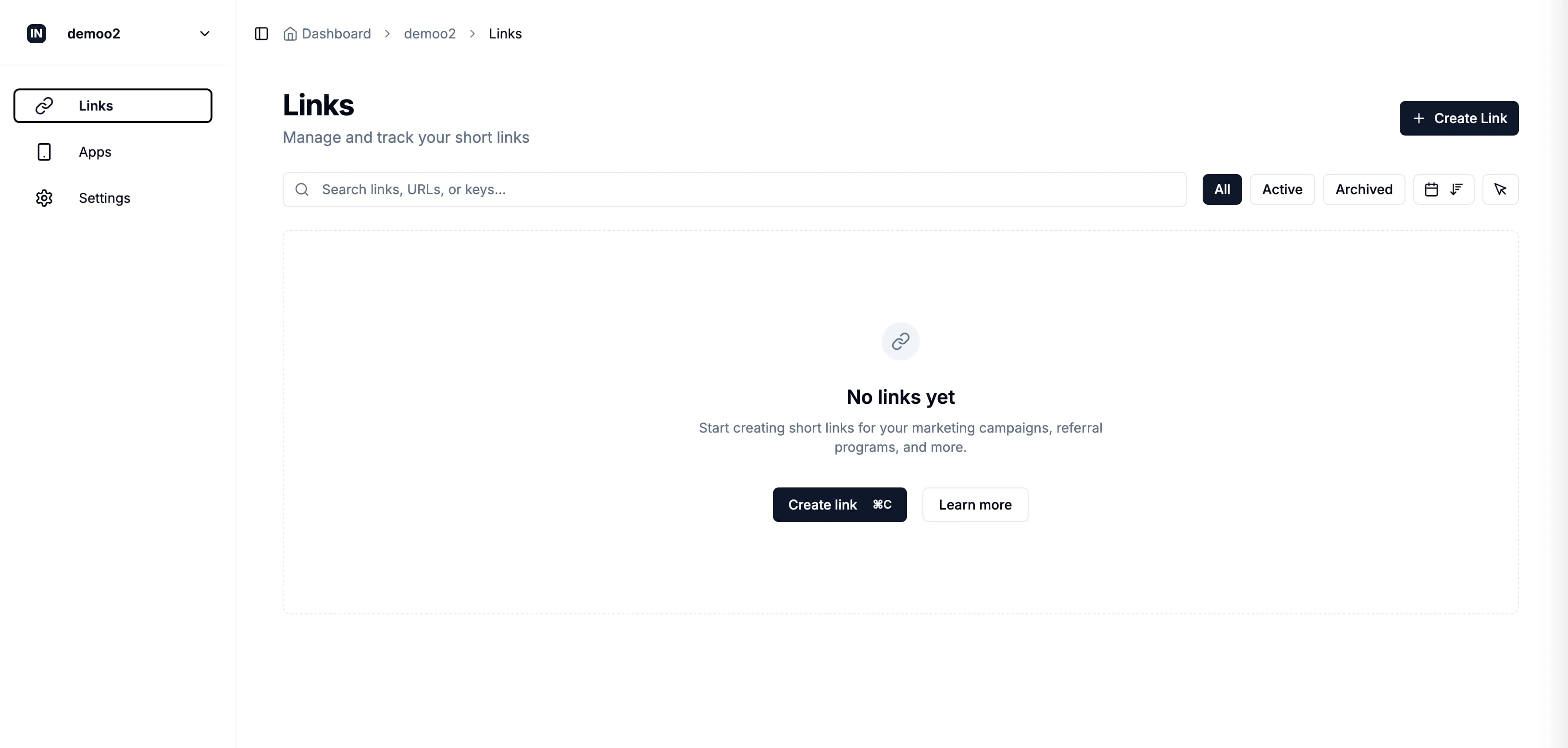
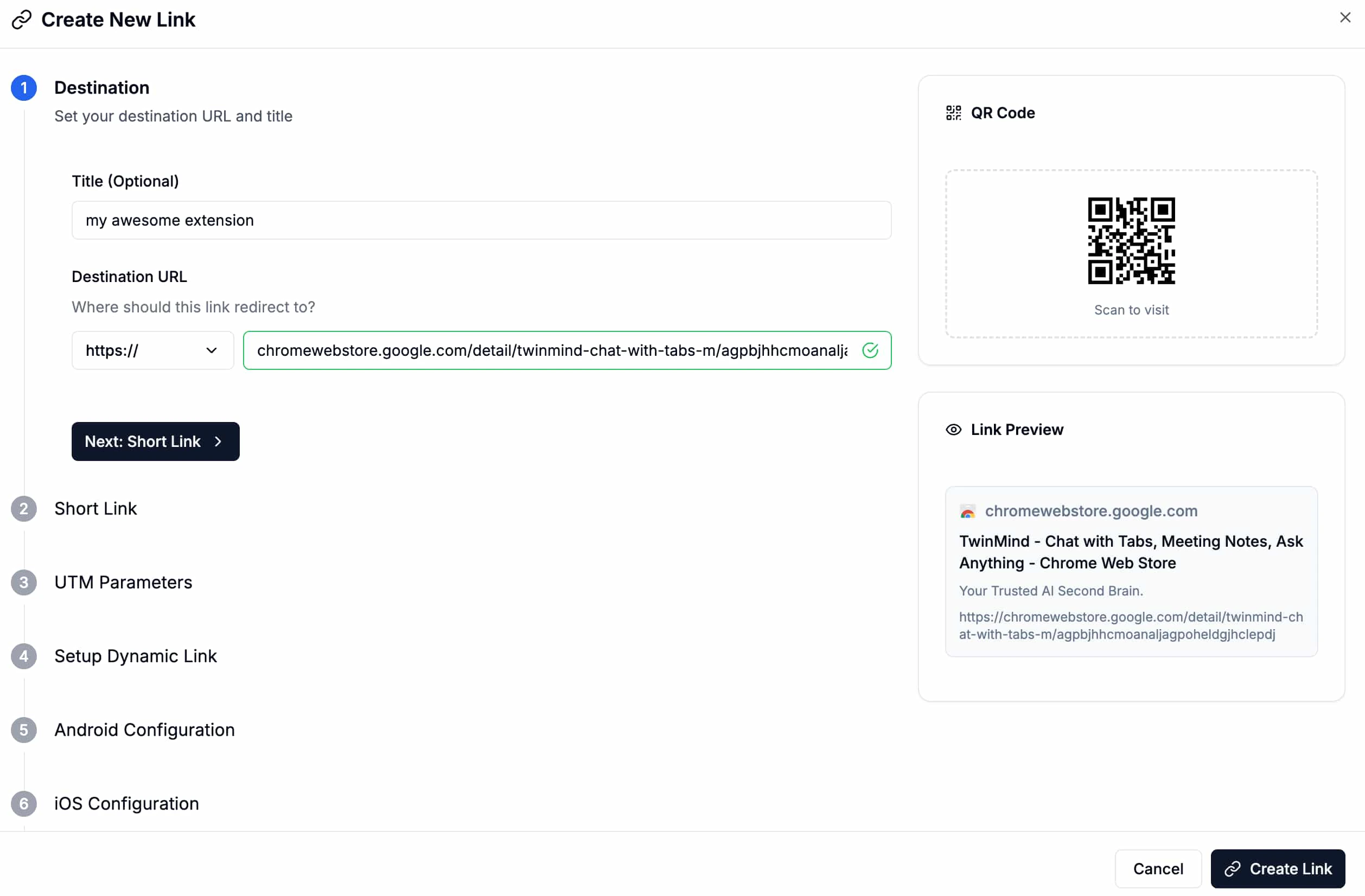
2. Create Tracking Links
In your Inhouse dashboard, create two type lif links:- links that you would want to share - think of each link as a unique campaign. links for campaign level racking.
- Uninstall Tracker:
your-project.inh.sh/uninstall(dedicated uninstall tracking link)
Implementation
Track Extension Installs
Add this code to your extension’s background script to track new installations:?refer_code=FOCKS&other_params=123 and other params that you would want to track, enabling you to track the source of each install.
Track Extension Uninstalls
Add uninstall tracking to your extension:Advanced Configuration
Custom Install Flow
For more control over the install experience:Analytics Dashboard
Once implemented, your Inhouse dashboard will track:- Total clicks on your tracking links
- Unique clicks (deduplicated by user)
- Chrome extension installs via the install tracker
- Uninstall events via the uninstall tracker
- Conversion rates and user journey analytics
Need help? Contact our support team or check the Inhouse documentation.